
Dropbox Dash
Searches across all your apps, tabs, and emails to unify your workflow and find information instantly.
Are you the owner?
Claim this tool to publish updates, news and respond to users.
Sign in to claim ownership
Sign InDescription
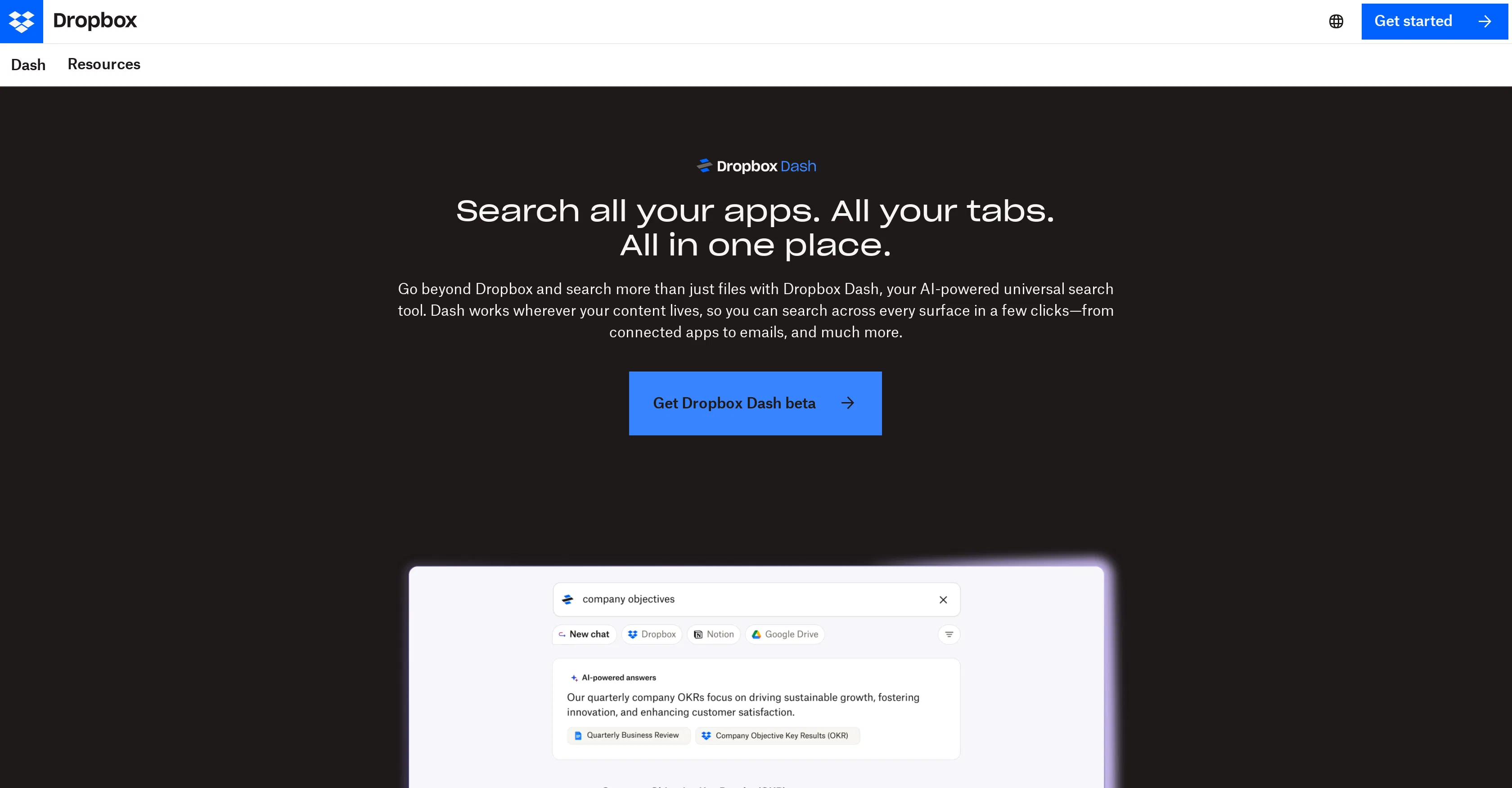
Dropbox Dash is an AI-powered universal search tool developed by Dropbox to streamline digital workflow management. Its core value lies in eliminating the need to switch between dozens of apps and browser tabs by providing a single, intelligent search bar that connects to a user's entire digital toolkit. This tool is designed to cut through the clutter of modern work environments, saving significant time and reducing cognitive load by serving as a central command center for all stored and active information.
Key features include the ability to perform deep searches across connected apps like Google Workspace, Microsoft Outlook, and Salesforce, as well as all open browser tabs and local files. It can find specific snippets within long email threads or documents, and it integrates with Dropbox's own ecosystem for seamless file retrieval. The tool also offers a feature called 'Stacks,' which allows users to create smart collections of links and resources that are dynamically updated, and it provides quick shortcuts to recently accessed items and frequent contacts to accelerate daily tasks.
What makes Dropbox Dash unique is its ambition to be a true connective layer for the fragmented SaaS landscape, rather than just another search box within a single platform. Technically, it operates as a browser extension and a standalone application, using AI to understand context and user intent to deliver precise results. Its integration scope is broad, aiming to link with the tools professionals use daily, and it emphasizes security by using existing OAuth connections without storing login credentials on its servers. This approach positions it as a neutral, AI-enhanced hub for productivity.
Ideal for knowledge workers, project managers, and remote teams who juggle multiple software platforms and communication channels daily. Specific use cases include a marketing manager needing to quickly pull data from a Slack conversation, a project brief in Google Docs, and a related spreadsheet without manual hunting, or a consultant consolidating research from various web sources and client emails into a single, organized view for report preparation.